Perché Only Obvious

Creiamo semplici app per Windows: niente fronzoli, solo strumenti ovvi che risolvono un compito e funzionano sempre.
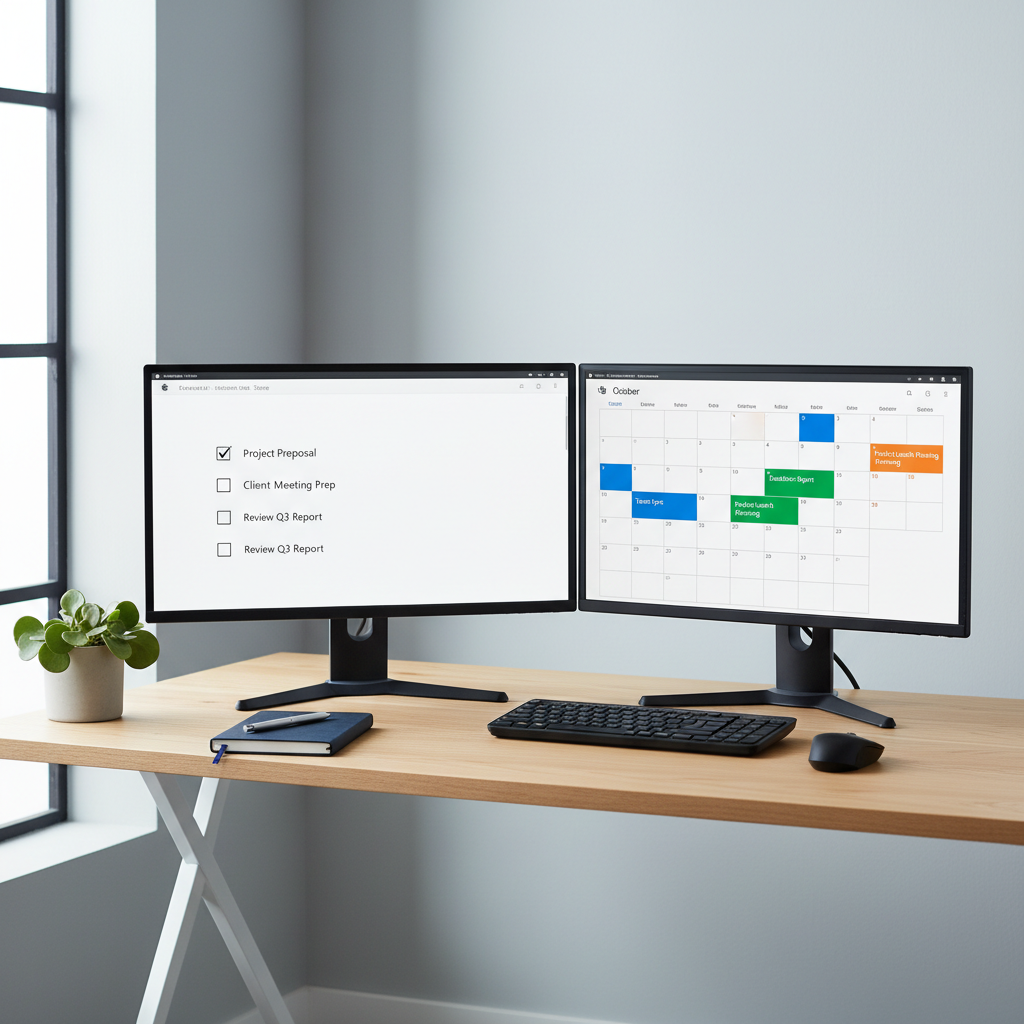

A dual-monitor desktop setup in a tidy, modern office corner, both screens showing different simple apps from the Microsoft Store running side by side. One display features a clean to-do list app with large checkboxes and generous white space, while the other shows a straightforward calendar app with bold, color-coded blocks. The matte black monitors sit on a light oak desk with a single small plant and a closed notebook, emphasizing simplicity. Cool, even daylight from a nearby window produces soft, natural shadows and crisp edges. Shot from a slightly elevated angle in photographic realism, the mood is organized, efficient, and professional.
A sleek, modern laptop on a clean white desk displays a full-screen Microsoft Store interface, focusing on a curated collection of simple, minimalist productivity apps with crisp, icon-only tiles. The surrounding workspace is uncluttered, with a matte gray wireless keyboard and a slim mouse neatly aligned. Soft, diffused daylight from an unseen window gently illuminates the scene, creating subtle reflections on the laptop’s metallic surface and a calm, professional atmosphere. Photographic realism with an eye-level composition and shallow depth of field keeps the Microsoft Store interface in sharp focus while the background blurs into a soft bokeh of neutral office tones.

La filosofia delle app semplici

Only Obvious Apps nasce dall’idea che il software debba essere immediato: apri l’app, capisci subito cosa fa. Progettiamo strumenti piccoli, utili, facili da mantenere nel tempo.

Il team creativo
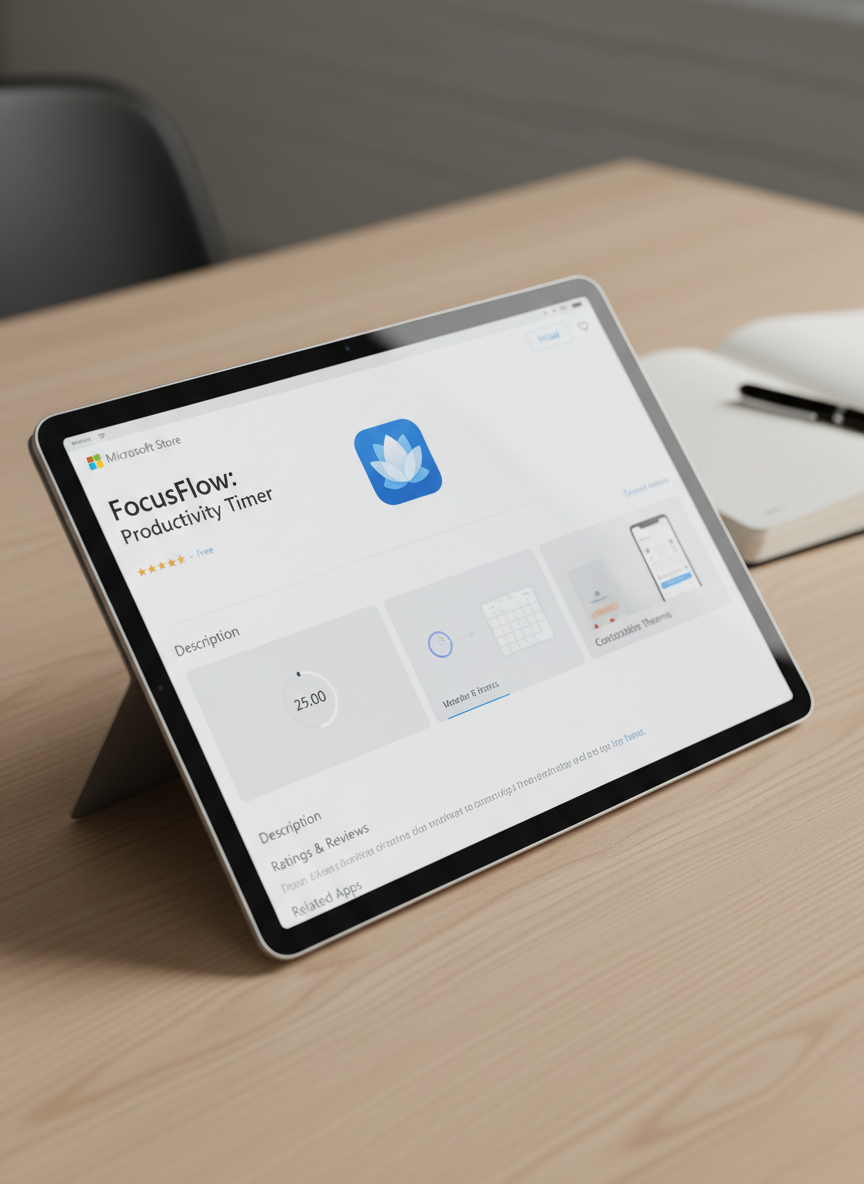
A close-up, over-the-shoulder style view of a tablet lying flat on a light wood surface, showing a single, cleanly designed Microsoft Store app detail page. The app interface is simple, with a light theme, clear sections, and large, uncluttered preview panels. Soft studio lighting from above creates gentle highlights on the glass screen and faint shadows along the tablet’s beveled edges. The composition follows the rule of thirds, with the tablet slightly off-center, and the background remains minimal, featuring only a blurred hint of a notebook and pen to suggest a professional workspace. The photographic style feels precise, calm, and trustworthy.

Aarav Sharma

CEO

Sviluppatore indipendente che progetta app Windows chiare, testate con cura e pensate per risolvere problemi quotidiani reali.

A dual-monitor desktop setup in a tidy, modern office corner, both screens showing different simple apps from the Microsoft Store running side by side. One display features a clean to-do list app with large checkboxes and generous white space, while the other shows a straightforward calendar app with bold, color-coded blocks. The matte black monitors sit on a light oak desk with a single small plant and a closed notebook, emphasizing simplicity. Cool, even daylight from a nearby window produces soft, natural shadows and crisp edges. Shot from a slightly elevated angle in photographic realism, the mood is organized, efficient, and professional.

Mateo García

CTO

Designer dell’esperienza utente, mantiene le interfacce lineari, accessibili e piacevoli, così ogni app è subito familiare.

A sleek, modern laptop on a clean white desk displays a full-screen Microsoft Store interface, focusing on a curated collection of simple, minimalist productivity apps with crisp, icon-only tiles. The surrounding workspace is uncluttered, with a matte gray wireless keyboard and a slim mouse neatly aligned. Soft, diffused daylight from an unseen window gently illuminates the scene, creating subtle reflections on the laptop’s metallic surface and a calm, professional atmosphere. Photographic realism with an eye-level composition and shallow depth of field keeps the Microsoft Store interface in sharp focus while the background blurs into a soft bokeh of neutral office tones.

Zuri Ndlovu

Ingegnere

Sviluppatore backend, cura prestazioni e affidabilità, assicurando che le app restino leggere, stabili e sempre reattive.

A close-up, over-the-shoulder style view of a tablet lying flat on a light wood surface, showing a single, cleanly designed Microsoft Store app detail page. The app interface is simple, with a light theme, clear sections, and large, uncluttered preview panels. Soft studio lighting from above creates gentle highlights on the glass screen and faint shadows along the tablet’s beveled edges. The composition follows the rule of thirds, with the tablet slightly off-center, and the background remains minimal, featuring only a blurred hint of a notebook and pen to suggest a professional workspace. The photographic style feels precise, calm, and trustworthy.

Leila Haddad

Designer

Responsabile qualità, prova ogni funzione su Windows e Microsoft Store per offrire esperienze semplici, sicure e prevedibili.

Recensioni

A dual-monitor desktop setup in a tidy, modern office corner, both screens showing different simple apps from the Microsoft Store running side by side. One display features a clean to-do list app with large checkboxes and generous white space, while the other shows a straightforward calendar app with bold, color-coded blocks. The matte black monitors sit on a light oak desk with a single small plant and a closed notebook, emphasizing simplicity. Cool, even daylight from a nearby window produces soft, natural shadows and crisp edges. Shot from a slightly elevated angle in photographic realism, the mood is organized, efficient, and professional.

Aya Nakamura

Adoro quanto siano dirette queste app: le apro, faccio ciò che mi serve e torno al lavoro in pochi secondi.

A sleek, modern laptop on a clean white desk displays a full-screen Microsoft Store interface, focusing on a curated collection of simple, minimalist productivity apps with crisp, icon-only tiles. The surrounding workspace is uncluttered, with a matte gray wireless keyboard and a slim mouse neatly aligned. Soft, diffused daylight from an unseen window gently illuminates the scene, creating subtle reflections on the laptop’s metallic surface and a calm, professional atmosphere. Photographic realism with an eye-level composition and shallow depth of field keeps the Microsoft Store interface in sharp focus while the background blurs into a soft bokeh of neutral office tones.

Mateo García

Finalmente strumenti sul Microsoft Store che i miei colleghi capiscono subito, anche senza spiegazioni o manuali da leggere.