App Updates Hub

Release notes, new features, and simple tips to help you get more from Only Obvious Apps on Windows.
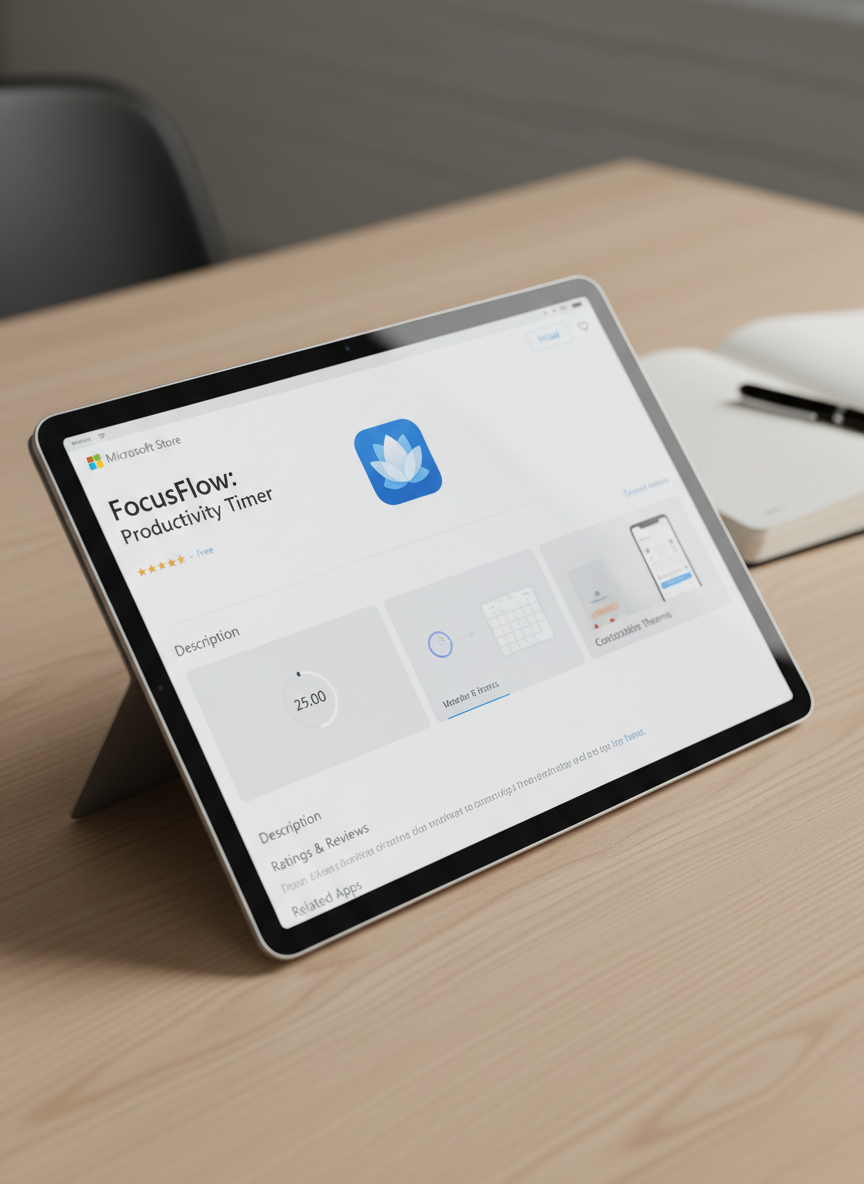
A close-up, over-the-shoulder style view of a tablet lying flat on a light wood surface, showing a single, cleanly designed Microsoft Store app detail page. The app interface is simple, with a light theme, clear sections, and large, uncluttered preview panels. Soft studio lighting from above creates gentle highlights on the glass screen and faint shadows along the tablet’s beveled edges. The composition follows the rule of thirds, with the tablet slightly off-center, and the background remains minimal, featuring only a blurred hint of a notebook and pen to suggest a professional workspace. The photographic style feels precise, calm, and trustworthy.

Updates

Newsletter

Get email updates on new Microsoft Store apps and improvements.
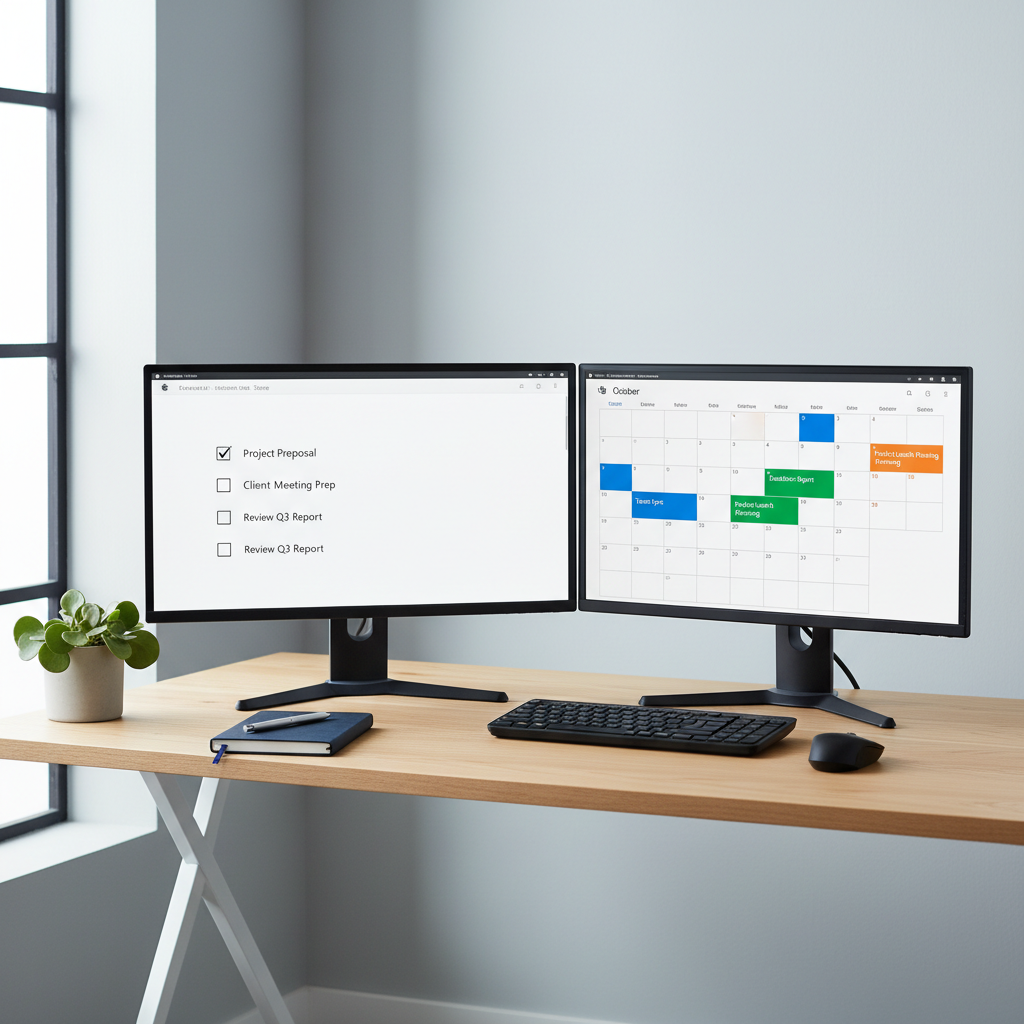
A dual-monitor desktop setup in a tidy, modern office corner, both screens showing different simple apps from the Microsoft Store running side by side. One display features a clean to-do list app with large checkboxes and generous white space, while the other shows a straightforward calendar app with bold, color-coded blocks. The matte black monitors sit on a light oak desk with a single small plant and a closed notebook, emphasizing simplicity. Cool, even daylight from a nearby window produces soft, natural shadows and crisp edges. Shot from a slightly elevated angle in photographic realism, the mood is organized, efficient, and professional.