Only Obvious Support

Get documentation, contact options, and step-by-step fixes for all Microsoft Store apps.

A sleek, modern laptop on a clean white desk displays a full-screen Microsoft Store interface, focusing on a curated collection of simple, minimalist productivity apps with crisp, icon-only tiles. The surrounding workspace is uncluttered, with a matte gray wireless keyboard and a slim mouse neatly aligned. Soft, diffused daylight from an unseen window gently illuminates the scene, creating subtle reflections on the laptop’s metallic surface and a calm, professional atmosphere. Photographic realism with an eye-level composition and shallow depth of field keeps the Microsoft Store interface in sharp focus while the background blurs into a soft bokeh of neutral office tones.

Support

Use this form to report bugs, suggest features, or ask questions about any app.

← Precedente

Grazie per la risposta. ✨

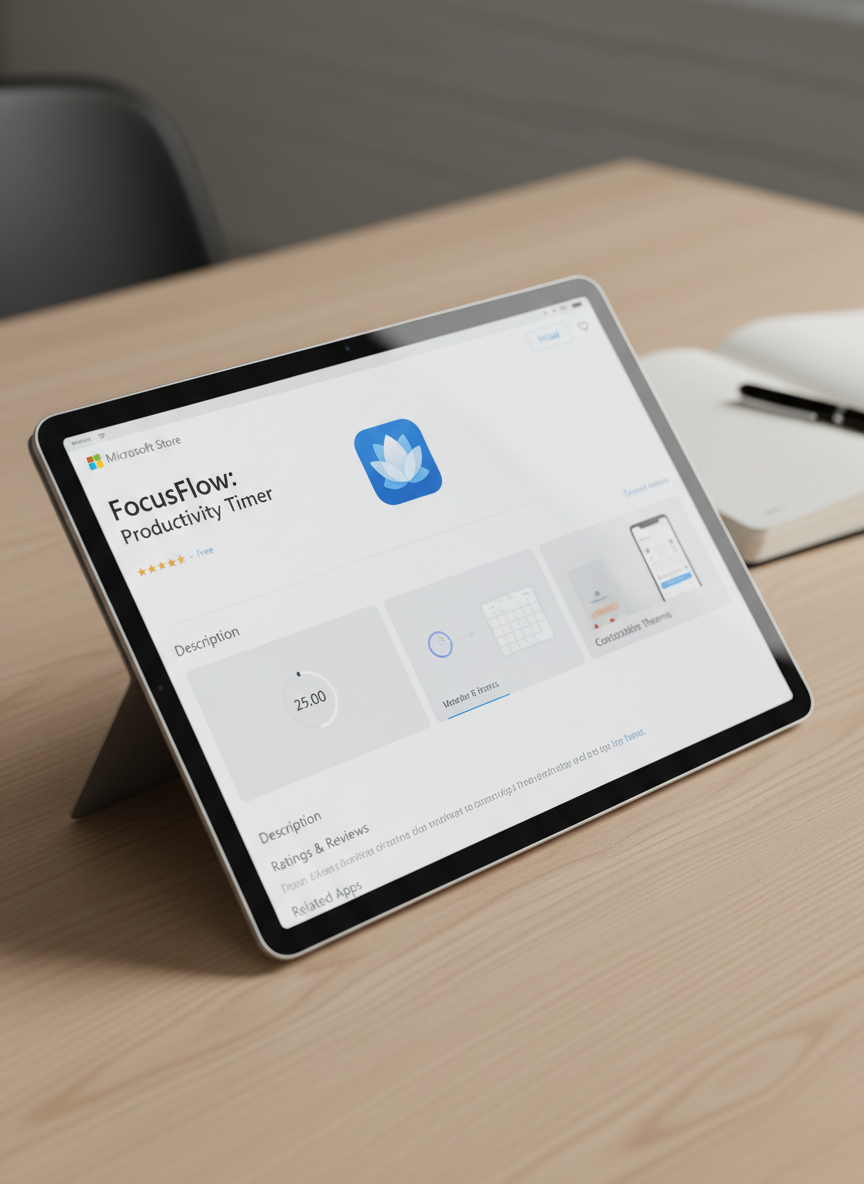
A close-up, over-the-shoulder style view of a tablet lying flat on a light wood surface, showing a single, cleanly designed Microsoft Store app detail page. The app interface is simple, with a light theme, clear sections, and large, uncluttered preview panels. Soft studio lighting from above creates gentle highlights on the glass screen and faint shadows along the tablet’s beveled edges. The composition follows the rule of thirds, with the tablet slightly off-center, and the background remains minimal, featuring only a blurred hint of a notebook and pen to suggest a professional workspace. The photographic style feels precise, calm, and trustworthy.

App Help and FAQs

Find quick answers, basic guides, and troubleshooting tips for every Only Obvious app in one clear, simple place.

Business Contact Details

Email us for partnerships, volume licensing, or custom features. We usually reply within two working days.

123 Via Esempio, San Francisco, CA 12345(123)-456-7890